Steam trade hold and trade protection explained
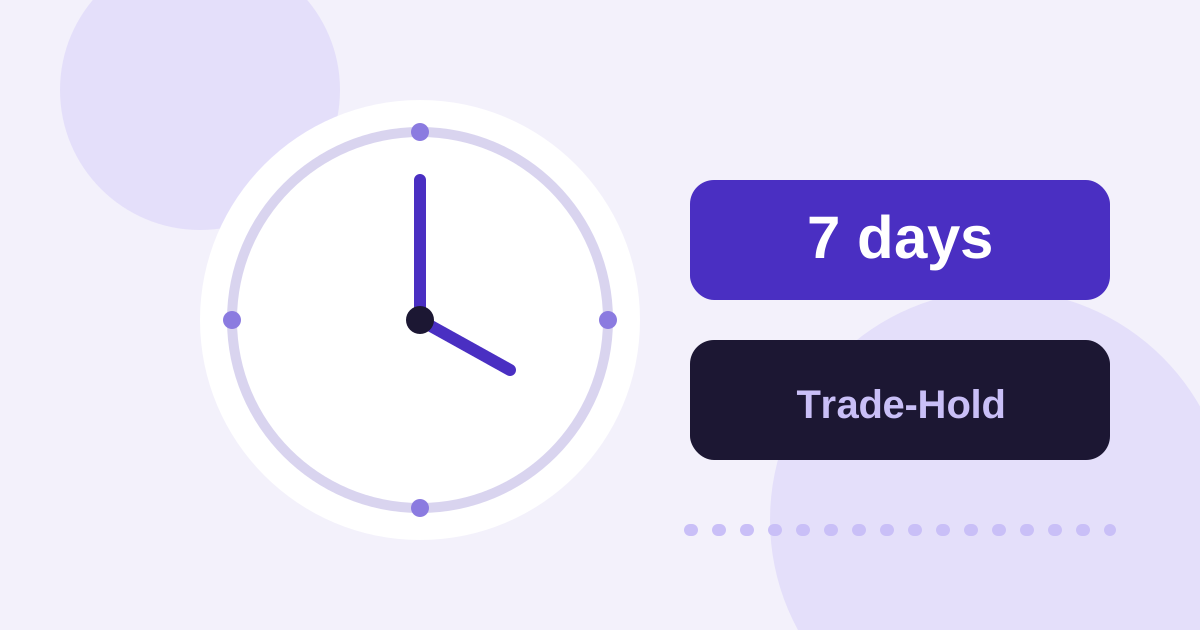
Steam blocks skins for a while after certain changes to an account before they can be traded. This block is called a trade hold. It protects accounts from takeovers.
What is the trade hold?
A trade hold stops the items of an account from being traded as long as a certain condition applies. Typical triggers are:
- setting up Steam Guard for the first time or changing devices,
- a change to login details or account data.
Steam changes the exact duration and the triggers from time to time. The current position is in the official Steam help.
What does this mean for skin sites?
If you have just set up a new Steam account or changed its security, your skins may not be tradable for a few days. This also applies to deposits and withdrawals made via trades.
Trade protection
Trade protection guards trades with third parties. It delays the confirmation of a trade so that a fraud attempt is noticed in time. Especially with trades on skin sites, check the offers carefully before you confirm.
Practical tips
- Set up Steam Guard early, before you stake skins.
- Plan for trade hold times if you have just made changes to your account.
- Only confirm trades you requested yourself, and check the items and price before confirming.
More on safe use can be found in the checklist for skin sites.